Repair Manuals PDF
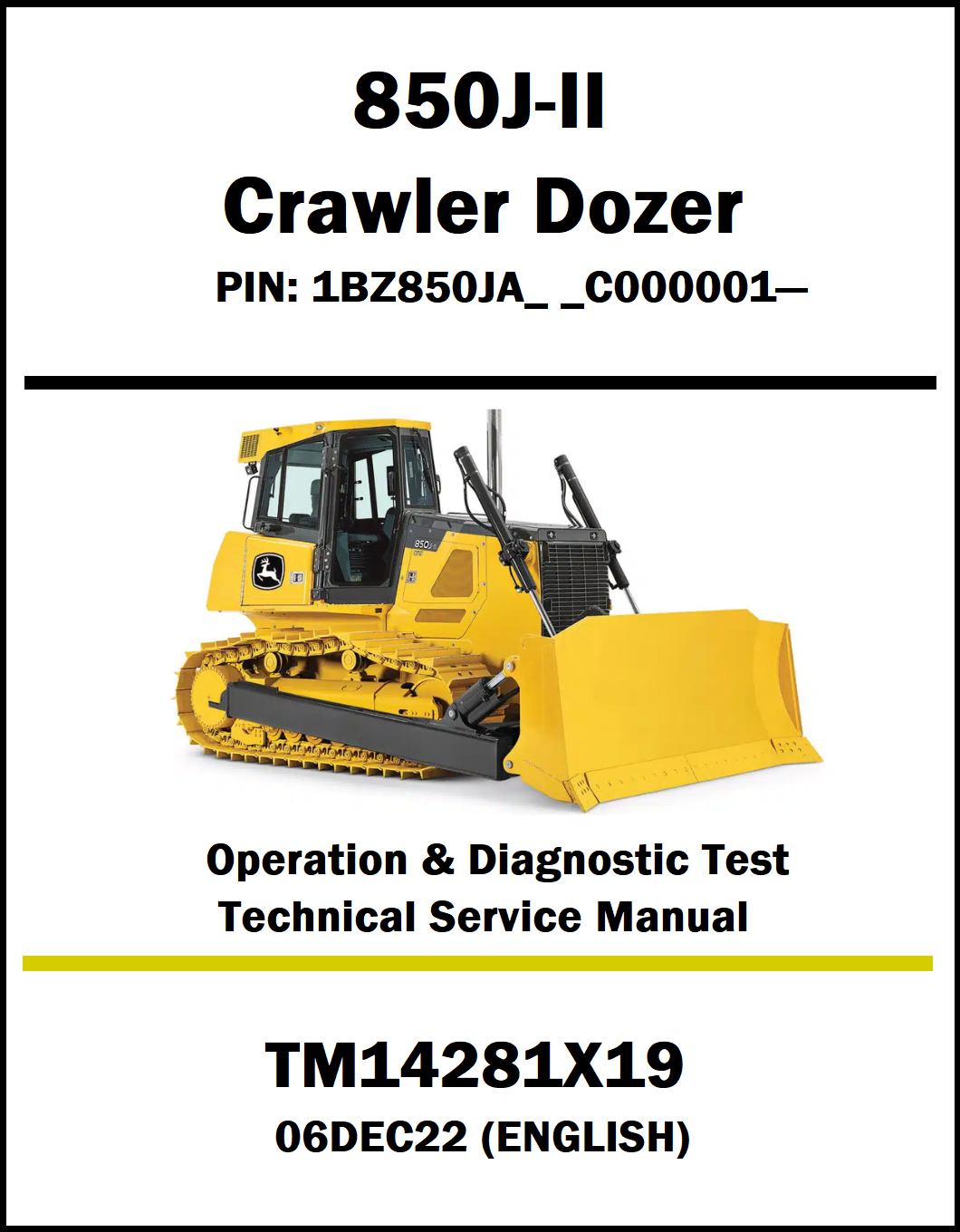
John Deere 850J-II Crawler Dozer TM14281X19 (Operation & Diagnostic Test Technical Service Manual)
John Deere 850J-II Crawler Dozer TM14281X19 (Operation & Diagnostic Test Technical Service Manual)
Couldn't load pickup availability
Advanced Diagnostics & Service Manual: John Deere 850J-II Dozer (TM14281X19)
Equipment Identification:
Machine Models Covered:
850J-II (Series II) Crawler Dozer
Engine Power Plant: John Deere PowerTech™ Plus 6.8L or 9.0L Electronic Turbocharged Diesel Engine (Varies by configuration/emission tier)
Drivetrain Architecture: Upgraded Dual-Path Hydrostatic (HST) Drivetrain with variable-speed drive motors and Eco Mode power management software.
Manual Volume: 601 Pages
Manual Details:
PDF File Size : 67.0 MB
Document Number: TM14281X19
Manual Language: English
Supported Devices : PC, Mac, iOS, Android
Publication Date : 06DEC22
Delivery : Instant access after purchase
File Format : PDF — Downloadable
Product Description:
The TM14281X19 Operation, Maintenance & Diagnostic Test Service Manual is a comprehensive guide for the John Deere 850J-II Crawler Dozer. It provides detailed information on machine operation, maintenance, troubleshooting, diagnostic testing, inspections, and service procedures to help technicians and equipment owners maximize performance and minimize downtime.
This John Deere 850J-II Crawler Dozer Service Manual PDF covers engine systems, hydraulic systems, hydrostatic transmission, electrical systems, steering and brake systems, heating and air conditioning, wiring diagrams, operational testing, diagnostic procedures, diagnostic trouble codes (DTCs), and technical specifications. Detailed illustrations and step-by-step instructions help users accurately diagnose faults and perform efficient maintenance.
With 601 pages of technical information, TM14281X19 is an essential resource for operation, maintenance, diagnostics, and professional service work on the John Deere 850J-II Crawler Dozer.
TM14281X19 - Manual Contents:
Section 9000 - General Information
Group 01 - Safety
Section 9001 - Diagnostics
Group 10 - Standard Display Monitor (SDM) Diagnostic
Trouble Codes
Group 20 - Engine Control Unit (ECU) Diagnostic Trouble
Codes
Group 30 - Transmission Control Unit (TCU) Diagnostic
Trouble Codes
Group 40 - Electrohydraulic Controller (EHC) Diagnostic
Trouble Codes
Group 50 - Blade Control Joystick (BCJ) Diagnostic
Trouble Codes
Section 9005 - Operational Checkout
Procedure
Group 10 - Operational Checkout Procedure
Section 9010 - Engine
Group 05 - Theory of Operation
Group 10 - System Diagrams
Group 25 - Tests
Section 9015 - Electrical System
Group 05 - Theory of Operation
Group 10 - System Diagrams
Group 15 - Diagnostic Information
Group 16 - Monitor Operation
Group 17 - Diagnostic Test Box
Group 20 - Adjustments
Group 25 - Tests
Section 9025 - Hydraulic System
Group 05 - Theory of Operation
Group 10 - System Diagrams
Group 15 - Diagnostic Information
Group 25 - Tests
Section 9026 - Hydrostatic System
Group 05 - Theory of Operation
Group 10 - System Diagrams
Group 15 - Diagnostic Information
Group 25 - Tests
Section 9031 - Heating and Air Conditioning
Group 05 - Theory of Operation
Group 10 - System Diagrams
Group 15 - Diagnostic Information
Group 25 - Tests
Section 9900 - Dealer Fabricated Tools
Group 99 - Dealer Fabricated Tools
APPENDIX
Appendix: System Functional Schematic
FAQ:
Q1: What does the John Deere 850J-II Crawler Dozer TM14281X19 manual cover?
Ans: The TM14281X19 manual provides complete operation, diagnostic testing, and service information for the John Deere 850J-II Crawler Dozer. It helps users operate the machine correctly, perform inspections, and identify system faults with confidence.
Q2: What information is included in the TM14281X19 manual?
Ans: This manual includes operating instructions, diagnostic test procedures, system inspections, troubleshooting methods, technical specifications, maintenance recommendations, and service information for major machine components.
Q3: Does the manual include diagnostic procedures for key machine systems?
Ans: Yes, it contains detailed testing and diagnostic procedures for the engine, hydraulic system, transmission, electrical system, steering, braking system, and other essential dozer systems.
Q4: Who should use the John Deere TM14281X19 technical service manual?
Ans: This manual is ideal for equipment operators, heavy equipment technicians, workshop mechanics, fleet maintenance personnel, and machine owners who need reliable diagnostic and service guidance.
Q5: Is the John Deere TM14281X19 manual available as a printable PDF download?
Ans: Yes, the manual is available as a downloadable PDF file that can be viewed on multiple devices, searched electronically, and printed for convenient use during maintenance, diagnostics, or field service.
Secure Download Process:
1. Purchase the Crawler Dozer Manual from our website.
2. After successful payment, you will receive an order confirmation email.
3. The email will contain a secure download link for your manual.
4. Click the download link to instantly download the PDF file to your device.
If you do not receive the email, please check your Spam or Junk folder.
For any assistance, feel free to contact our support team.
Share