Repair Manuals PDF
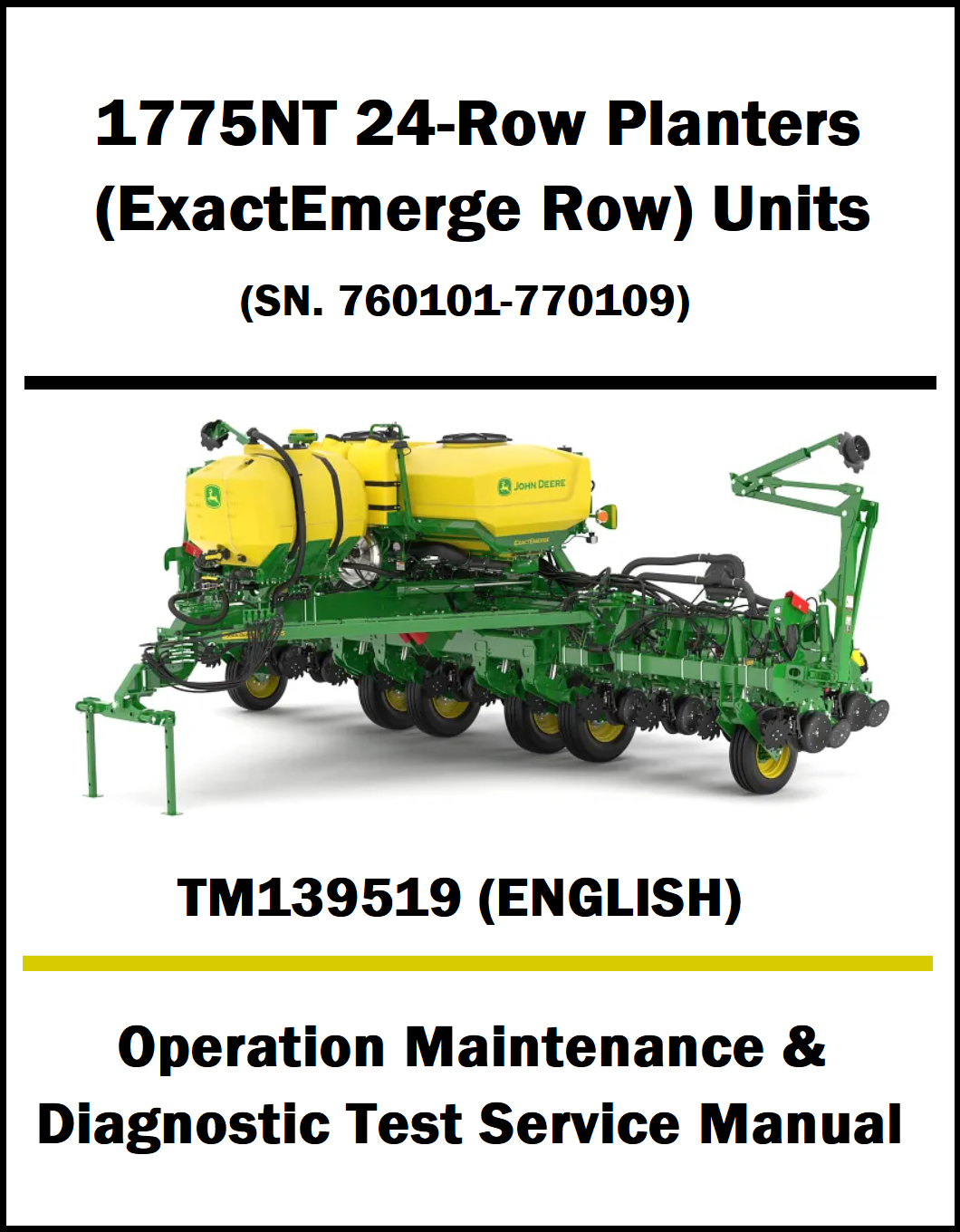
John Deere 1775NT 24-Row Planter TM139519 (Operation Maintenance & Diagnostic Test Service Manual)
John Deere 1775NT 24-Row Planter TM139519 (Operation Maintenance & Diagnostic Test Service Manual)
Couldn't load pickup availability
Integrated Service, Diagnostic & Overhaul Guide: John Deere 1775NT Planter ExactEmerge
Equipment Identification
Machine Model Covered:
1775NT 24-Row Planter
Electronics & Interfacing: SeedStar™ 3 HP / SeedStar™ 4, John Deere Electric Power Generation (EPG) 56V Brushless Generator Loop, and Individual Row Control (IRC) Motors
Manual Volume: 1,204 Pages
Manual Details:
PDF File Size : 34.4 MB
Document Number: TM139519
Format: PDF Digital Download
Manual Language: English
Supported Devices : PC, Mac, iOS, Android
Publication Date : 01 DEC 15
Delivery : Instant access after purchase
File Format : PDF — Downloadable
Product Description:
The TM139519 Operation, Maintenance & Diagnostic Test Service Manual is a comprehensive guide for the John Deere 1775NT 24-Row Planter with ExactEmerge Row Units. This John Deere 1775NT 24-Row Planter Service Manual PDF, John Deere 1775NT ExactEmerge Diagnostic Manual, and TM139519 PDF Download provides detailed instructions for operation, maintenance, diagnostics, troubleshooting, inspections, testing, and service procedures to help maintain peak planting performance.
This John Deere 1775NT ExactEmerge Technical Manual covers planter controls, ExactEmerge row units, hydraulic systems, electrical systems, seed delivery components, diagnostic trouble codes, wiring diagrams, calibration procedures, technical specifications, and preventive maintenance. Step-by-step instructions and detailed illustrations help technicians and operators accurately diagnose faults, perform system tests, and complete maintenance with confidence.
TM139519 Contents:
Section 210 - GENERAL INFORMATION
Group 5A - How to Use This Manual
Group 5B - Safety
Group 5C - Lubricants
Group 5D - Recommended Tools for Diagnostics
Group 5E - Basic Diagnostics
Group 5F - Diagnostic Information for Electrical Components
Group 5G - Diagnostic Information for Hydraulic Components
Group 5H - Maintaining Hydraulic Systems and Components
Group 5I - Standard Torque Chart Procedures
Group 5J - Acronym Table
Section 211 - DIAGNOSTIC TROUBLE CODES
Group 10A - Accessing Diagnostic Trouble Codes
Group 10B - Electric Power Generation (EPG) Codes
Group 10C - Inertial Measurement Unit (IMU) Codes
Group 10D - JDLink (JDL) Codes
Group 10E - Meter Master Controller (MMC) Codes
Group 10F - Planter Assist Controller (PAC) Codes
Group 10G - Row Cleaner Control (RCC) Codes
Group 10H - Row Unit Controller (RUC) Codes
Section 212 - OBSERVABLE SYMPTOM AND SYSTEM DIAGNOSTICS
Group 10 - Observable Symptoms
Section 240 - ELECTRICAL
Group 05 - General Information
Group 20 - Theory of Operation
Group 30 - Schematics
Group 50 - Diagnostics
Section 245 - ELECTRONIC CONTROL UNITS
Group 05 - General Information
Group 10B - Diagnostic Addresses by Control Unit
Group 50 - Diagnostic Tests and Adjustments
Section 249 - ELECTRICAL COMPONENT INFORMATION
Group 40A - Electrical Assemblies
Group 40B - Sensors
Group 40E - Lights
Group 40F - Fuses
Group 40G - Charging
Group 40K - Relays
Group 40M - Motors
Group 40R - Resistors
Group 40S - Switches
Group 40V - Diodes
Group 40X - Interconnects and Ground Points
Group 40Y - Electronically Actuated Mechanical Devices
Section 270 - HYDRAULICS
Group 05 - General Information
Group 20 - Theory of Operation
Group 30 - Schematics
Group 50 - Diagnostics
Section 279 - HYDRAULICS COMPONENT INFORMATION
Group 40A - Accumulators
Group 40B - Sensor or Gauge
Group 40C - Cylinder, Actuator, or Piston
Group 40D - Check Valve
Group 40F - Filter
Group 40G - Valve Block, Assembly, or Gearcase
Group 40H - Cooler
Group 40M - Motor
Group 40O - Orifice
Group 40R - Reservoir or Tank
Group 40V - Valve
Group 40X - Diagnostic Receptacle or Coupler
Group 40Y - Solenoid Valve
Section 280 - PNEUMATICS
Group 20 - Theory of Operation
Group 30 - Schematics
Group 50 - Diagnostics
Section 289 - PNEUMATICS COMPONENT INFORMATION
Group 40A - Accumulators
Group 40B - Sensors
Group 40D - Check Valves
Group 40F - Filters
Group 40G - Assembly Groups
Group 40P - Pumps
Group 40R - Reservoirs
Group 40V - Valves
Group 40Y - Solenoid Valves
FAQ:
Q1: What does the John Deere 1775NT 24-Row Planter (ExactEmerge Row Unit) TM139519 manual cover?
Ans: The TM139519 manual provides in-depth operation, maintenance, and diagnostic information for the John Deere 1775NT 24-Row Planter with ExactEmerge Row Units. It helps users operate the planter efficiently, perform scheduled maintenance, and diagnose system faults with confidence.
Q2: What information is included in the TM139519 service manual?
Ans: The manual contains operating instructions, maintenance schedules, diagnostic test procedures, troubleshooting guides, inspection routines, adjustment methods, technical specifications, and service information for the planter’s major systems.
Q3: Does the TM139519 manual cover the ExactEmerge planting system?
Ans: Yes, it includes detailed procedures for servicing and diagnosing the ExactEmerge row units, seed delivery system, hydraulic components, electrical circuits, sensors, control modules, and other critical planter assemblies.
Q4: Who should use the John Deere TM139519 manual?
Ans: This manual is intended for farm equipment technicians, dealership service personnel, agricultural mechanics, maintenance teams, and John Deere planter owners who need professional guidance for operation, servicing, and diagnostics.
Q5: Is the John Deere 1775NT 24-Row Planter TM139519 manual available as a printable PDF download?
Ans: Yes, the manual is supplied as a downloadable PDF that supports keyword searching, can be accessed on computers and mobile devices, and allows selected pages to be printed for convenient use in the workshop or field.
Secure Download Process:
Purchase Manual from our website.
After successful payment, you will receive an order confirmation email.
The email will contain a secure download link for your manual.
Click the download link to instantly download the PDF file to your device.
If you do not see the email, please check your Spam or Junk folder.
For any issues, contact our support team for assistance.
Share